
If you want to grow traffic, boost conversions, or simply understand what’s working on your website, analytics are essential. The challenge? Choosing the right WordPress analytics plugin isn’t as straightforward as it sounds.
Many tools promise powerful insights but fall short in real-world use. Some are overly complex for everyday site owners, others become expensive once you need advanced features, and quite a few raise concerns around privacy and data ownership.
To make this decision easier, I tested six of the most widely used WordPress analytics plugins to see how they perform where it actually matters:
- Site Kit by Google
- MonsterInsights
- ExactMetrics
- WP Statistics
- Burst Statistics
- Analytify
Below is a breakdown of what stood out—and where each tool fits best.
Key Takeaways
- The best analytics plugin depends on your priorities: Google Analytics integration, privacy-first tracking, or ease of use
- Burst Statistics is ideal for websites that want analytics without compromising privacy
- MonsterInsights and ExactMetrics are best for advanced GA tracking and WooCommerce reporting
- WP Statistics keeps all data local, with no reliance on third-party services
- Site Kit by Google works best if your site is heavily integrated with Google’s ecosystem
- Analytify is a strong choice for site owners or agencies who want a flexible GA setup with optional add-ons, such as eCommerce, form, or author tracking, allowing you to tailor analytics to your specific needs
Methodology
To ensure a fair and practical comparison, I followed a consistent testing process:
- Installed each plugin on a clean WordPress site
- Evaluated setup time, usability, and dashboard clarity
- Reviewed privacy considerations, including cookie usage and third-party data sharing
- Compared features, pricing, and quality of support
- Assessed suitability for different user types:
- Personal users (bloggers, creators, freelancers)
- Business users (WooCommerce and lead-driven sites)
- Personal users (bloggers, creators, freelancers)
This approach allowed me to highlight not just features, but real-world usability and value.
Analytics Plugin Comparison Overview
| Plugin | Privacy-Friendly | Ease | Pricing | Best For |
|---|---|---|---|---|
| Site Kit by Google | No | Medium | Free | Teams managing GA, Search Console, AdSense, and PageSpeed in one place |
| MonsterInsights | No | Easy | Premium | Businesses needing advanced GA, eCommerce, and event tracking |
| ExactMetrics | No | Easy | Free + Pro | Simple GA integration for business sites and WooCommerce |
| WP Statistics | Yes | Medium | Free + Add-ons | Bloggers and small sites wanting local, no-GA analytics |
| Burst Statistics | Yes | Very Easy | Free + Pro | Privacy-first sites needing clean insights and UTM tracking |
| Analytify | No | Easy | Free + Pro | Users wanting flexible GA reports with add-ons |
Site Kit by Google
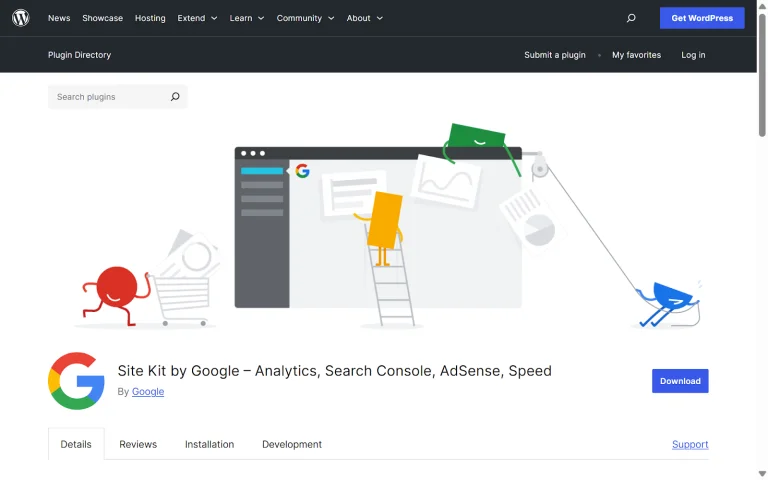
Site Kit is Google’s official plugin for WordPress, designed to bring key Google services into your site’s dashboard. After setup, you can access data from Google Analytics, Search Console, AdSense, and PageSpeed Insights without leaving WordPress.
If you already rely on multiple Google tools, Site Kit helps centralize your reporting so you’re not constantly jumping between different platforms.
Pros
- Completely free and officially developed by Google
- Combines Analytics, Search Console, AdSense, and performance insights in one place
- Actively maintained with frequent updates and long-term support
Cons
- The interface can feel cluttered or overwhelming, especially for beginners
- Depends on Google Analytics, which means cookie banners and consent management are still required
- Not a privacy-first solution, as data is processed on Google’s servers
Pricing
Site Kit is 100% free with no premium plans, making it an attractive option for anyone who wants full access to Google’s ecosystem without additional costs.
Final Verdict
Site Kit is best suited for marketers, developers, and agencies who already work extensively with Google Analytics and Search Console. It brings multiple Google tools into the WordPress dashboard, which can save time and streamline reporting for users managing data across platforms.
That said, it may feel overwhelming if you only need basic visitor statistics. Since it relies on Google’s infrastructure, privacy compliance and consent management are still required. Overall, Site Kit is a strong option for users deeply invested in Google’s ecosystem, but it’s not the most lightweight or beginner-friendly analytics solution.
MonsterInsights
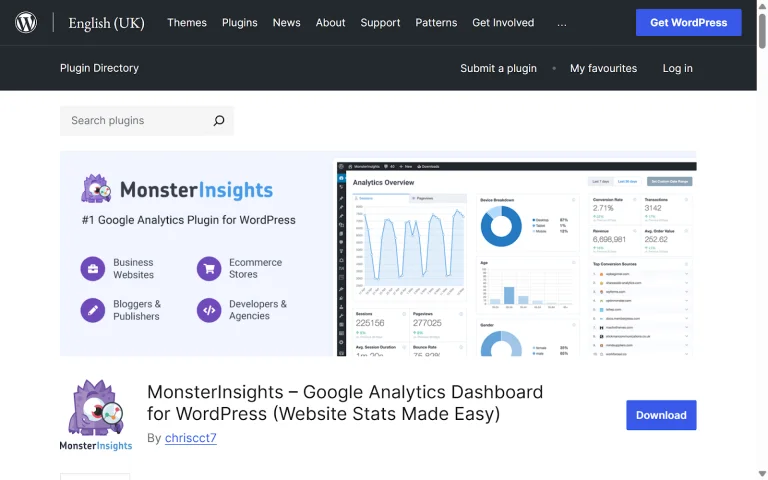
MonsterInsights is one of the most widely used WordPress plugins for connecting Google Analytics to your site. It offers a good mix of powerful reporting and ease of use, making GA data accessible directly from the WordPress dashboard without requiring technical setup.
Pros
- Simple installation with no coding required
- Real-time analytics, ecommerce reporting, and affiliate tracking
- Site Notes feature to track important website changes and events
- Includes settings to help with GDPR compliance
Cons
- Relies on Google Analytics, so cookie banners and consent tools are still necessary
- Pricing can feel high if you only need basic analytics features
Pricing
MonsterInsights is a premium plugin, with plans starting at around $99 per year for a single site. Higher-tier plans unlock advanced features such as ecommerce tracking, custom dimensions, and support for multiple websites, with pricing increasing based on usage and scale.
Final Verdict
MonsterInsights is a reliable option for website owners who already use Google Analytics and want detailed reports inside WordPress. Its e-commerce tracking features make it especially useful for online stores and business websites. However, users who prioritize privacy or are looking for a more budget-friendly solution may find the higher-tier pricing a limiting factor.
ExactMetrics
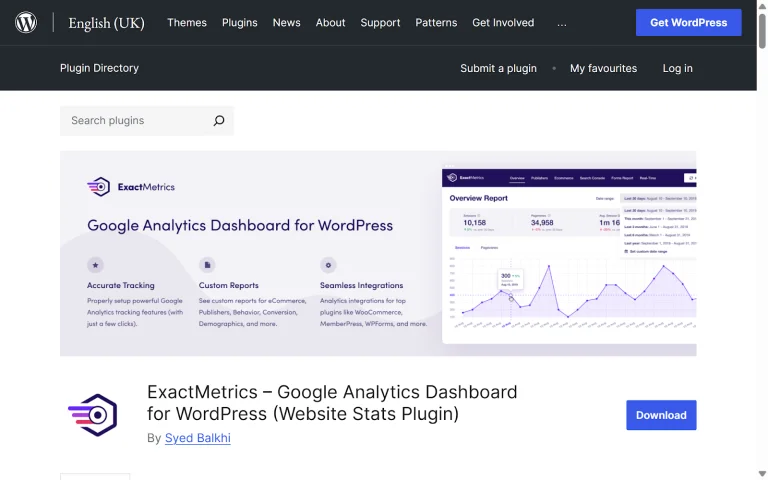
ExactMetrics is another WordPress plugin built around Google Analytics, positioned as a more lightweight and beginner-friendly alternative. During testing, setting up with GA4 was quick, and the in-dashboard reports made it easier to understand key metrics without needing to log into Google Analytics separately.
Pros
- Fast and straightforward Google Analytics setup
- Tracks affiliate links, file downloads, and outbound clicks
- Works well across multiple client sites, making it useful for agencies and freelancers
Cons
- Fully dependent on Google Analytics, so standard privacy and consent requirements still apply
- Advanced features like e-commerce tracking and custom dimensions are limited to Pro plans
Pricing
ExactMetrics offers a free version with basic reporting. However, most advanced features are only available in paid plans, which start at around $99 per year and can go up to $699 per year, depending on the number of sites and features included.
Final Verdict
ExactMetrics is a practical option for agencies and freelancers managing multiple WordPress sites who want a simple way to present Google Analytics data to clients. The setup process is smoother and less intimidating than some alternatives, but once advanced reporting is required, pricing becomes comparable to other premium GA-focused plugins. Since it relies entirely on Google Analytics, it may not be the best fit for websites where privacy-first analytics or strict GDPR requirements are a top priority.
WP Statistics
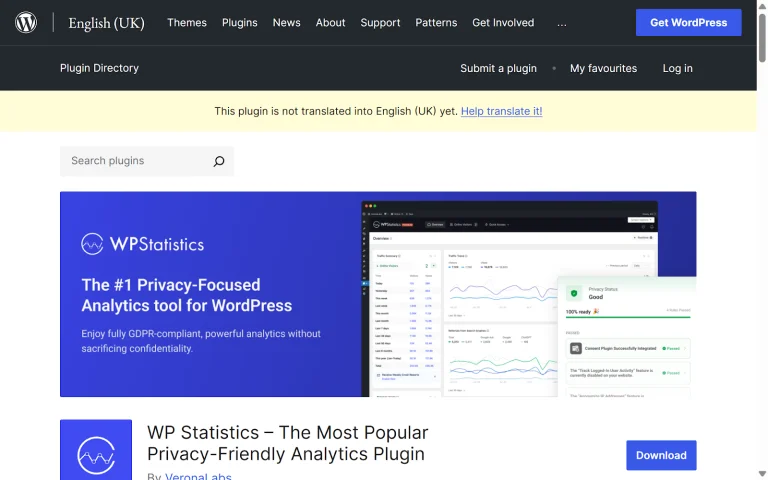
WP Statistics is a long-standing WordPress analytics plugin that completely avoids Google Analytics by storing all data directly on your own server. It’s a popular choice for site owners who prefer a privacy-conscious setup and want full control over their analytics data.
The plugin provides essential insights such as visitor counts, referrers, most-viewed pages, and basic user data—all without sharing information with third parties.
Pros
- Collects and stores traffic data locally on your server
- Offers core insights like referrers, top pages, and visitor statistics
- No external services, cookies, or consent tools required
Cons
- The interface feels outdated compared to newer analytics plugins
- Can be resource-intensive on high-traffic or large e-commerce sites
- Many advanced features require paid add-ons, which can increase costs quickly
Pricing
WP Statistics offers a free core plugin, but most advanced features are only available through premium licenses. Pricing starts at $119 per year for one site, $249 per year for five sites, and $449 per year for unlimited sites.
Final Verdict
WP Statistics is a reliable choice for website owners who want analytics without relying on Google Analytics and prefer keeping all data on their own server. It delivers solid privacy benefits and useful core metrics, but it can feel heavier and less intuitive than more modern alternatives. For larger or high-traffic websites, performance considerations and rising costs from premium add-ons are important factors to weigh before committing.
Burst Statistics
Burst Statistics is a WordPress plugin designed for site owners who want simple, privacy-friendly analytics. Unlike many tools that rely on third-party servers or tracking cookies, all data is stored directly on your own site. This gives you full control over visitor data and reduces the need for complicated GDPR consent banners or external scripts.
The plugin focuses on the most important metrics for everyday site management, with a clean dashboard built right into WordPress—no extra platforms or complicated reporting tools needed.
Pros
- Fully self-hosted and privacy-first, with no third-party data sharing
- Lightweight and easy-to-read dashboard highlighting key metrics
- Minimal setup and no coding required
- Free core plugin, with a Pro version for advanced reporting
- GDPR-compliant by design, reducing the need for cookie banners in most cases
Cons
- Does not integrate with Google Ads
- Offers less advanced segmentation and reporting compared to GA-based tools
Pricing
The core version of Burst Statistics is completely free. For users who need additional filters, extended reports, or export capabilities, the Pro tier unlocks these advanced features.
Final Verdict
Burst Statistics is a solid option for WordPress site owners who want straightforward insights without added complexity or privacy concerns. It focuses on essential metrics, provides an intuitive dashboard, and keeps all data under your control. This makes it a strong choice for anyone prioritizing simplicity, performance, and visitor trust.
Analytify
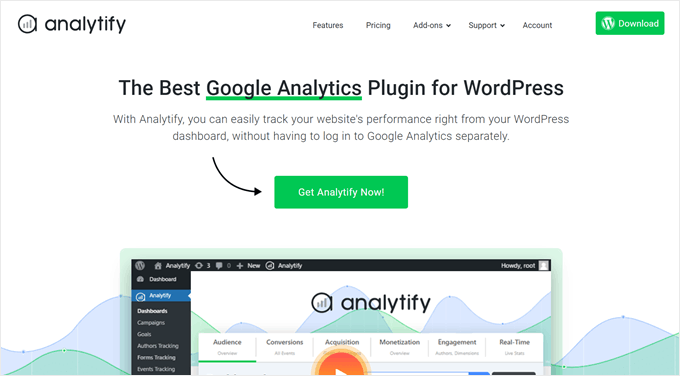
Analytify is a WordPress plugin designed for users who want a simple Google Analytics setup with the option to expand features through affordable add-ons. The core plugin provides essential metrics, while premium add-ons enable advanced tracking, such as eCommerce performance, form submissions, and marketing campaign monitoring via UTM parameters.
With the premium version, you can also access real-time stats to see current online visitors and deeper reporting for marketing campaigns or content performance.
Pros
- Quick setup and a user-friendly dashboard integrated into WordPress
- Supports 8 languages, making it accessible for non-English WordPress users
- A wide range of add-ons allows you to customize tracking for e-commerce, Google Analytics goals, author stats, and more
Cons
- Privacy features are limited compared to some competitors; the EU compliance add-on can anonymize IP addresses, but does not fully prevent personally identifiable information from being sent to Google Analytics
- Some advanced tracking requires purchasing add-ons
Pricing
Analytify offers a free core plugin. Paid plans start at $75 per year for one website, with additional add-ons available to expand functionality.
Final Verdict
Analytify is a solid choice for WordPress users who have specific tracking needs and want a flexible, affordable way to extend Google Analytics capabilities. It works well for monitoring eCommerce stores, author performance, or custom goals, providing a balance of simplicity and expandability without overwhelming beginners.
Conclusion
Choosing the right WordPress analytics plugin depends on your goals, whether that’s privacy, ease of use, or advanced Google Analytics reporting. Plugins like Burst Statistics and WP Statistics focus on privacy, while MonsterInsights, ExactMetrics, and Analytify excel at GA tracking and ecommerce insights. Site Kit by Google works best if you’re deeply invested in the Google ecosystem.
By picking the plugin that aligns with your workflow and reporting needs, you can turn data into actionable insights, optimize your website performance, and drive real business growth.
Ready to make your website data work harder for you?
Partner with TorontoDigits to implement the best analytics strategy, get actionable insights, and scale your digital presence with confidence.
FAQs
Do I need Google Analytics to use these plugins?
Not necessarily. Plugins like Burst Statistics and WP Statistics store all data locally on your server, so you can track your site’s performance without a Google Analytics account.
However, MonsterInsights, ExactMetrics, and Site Kit by Google rely on GA, which means you’ll need to connect a Google Analytics account to access their full reporting features.
What is the best privacy-friendly analytics plugin?
For websites that prioritize privacy and data control, Burst Statistics stands out. It stores all analytics locally on your server, avoids third-party tracking, and is designed to be GDPR-compliant—often without the need for cookie consent banners.
Can I avoid cookie banners in WordPress?
Yes—if you use privacy-first analytics plugins like Burst Statistics or WP Statistics, most of the time you won’t need cookie consent notices, since no personal data is sent to third parties.
Plugins that rely on Google Analytics, however, will still require cookie banners to comply with privacy regulations.
What’s the best analytics plugin for WooCommerce?
It depends on your priorities. If you want detailed e-commerce reporting and full Google Analytics integration, MonsterInsights and ExactMetrics are strong choices.
If your focus is on privacy and simplicity, Burst Statistics can still give you useful conversion insights without the need for cookie consent banners or third-party tracking.